Booking systems
Booking systems built for modern service businesses.
Automate appointments, accept payments, reduce no-shows and run your entire booking process from one powerful platform, owned by you, not rented per booking.
Watch one booking, start to finish
Bookings that run themselves.
One booking at 11:48 PM, followed all the way to the paid visit and the next one on the calendar. Press play, or turn on the voice-over and let Hops walk you through it.
11:48 PM. A homeowner spots a roach and finds your website.
Book a slot the way your clients will.
Pick your kind of business, then click through the booking flow we would build for it. It is a preview, so nothing is sent or charged.
- Service
- Not chosen yet
- When
- Not chosen yet
- Pay today
- Not chosen yet
Secure checkout. Free to reschedule.
- Service
- Time
- Payment
- Done
Choose a service
Preview only. Nothing is sent or charged.
Every chair and every stylist, booked
Salons & barbers
Phone tag and walk-outs cost you every day. Clients pick their stylist and slot in seconds, and rebooking reminders bring them back on schedule.
- Booking by stylist or barber
- No-show fees and waitlists
- Rebooking reminders after every visit
What do no-shows cost you?
Put in your own numbers. The math runs in your browser and nothing is saved or sent.
40 a week × 10% × 52 weeks ÷ 12 × $80
Each block is one appointment.
$1,387 a month, $16,640 a year, about 17 missed appointments a month.
What an owned booking system does about it
A deposit, or full payment, is taken the moment they book, straight into your own account.
Their card is saved securely, with the no-show and late-cancel fee you set.
SMS, WhatsApp and email reminders go out on your schedule, with one tap to reschedule.
The freed slot is offered to your waitlist automatically, so the gap gets filled.
Opens a free demo booking with your numbers attached. This is simple arithmetic on your inputs, not a promise of what you will recover.
A day with a booking system you own.
Most of the work happens while you are busy with clients, or asleep. Here is an ordinary Tuesday at a salon.
Reminders go out
Everyone booked today gets a text or WhatsApp with a one-tap link to confirm or reschedule.
Maya checks in on time
She confirmed from the reminder, so her slot was never at risk.
A cancellation, filled from the waitlist
Jordan cancels his 3:00. The slot goes straight to the waitlist and Priya takes it.
A no-show that still pays
Someone does not turn up. The deposit they paid at booking stays with you, with no awkward call.
Review requests go out
Everyone seen today gets a thank you, a review link and one tap to book their next visit.
Booked while you were closed
A new client finds you late at night, picks a time and pays the deposit. It is in your calendar by morning.
Rent a booking app, or own your system.
Apps charge per seat and marketplaces take a cut of your clients. Here is how owning compares, including the one place renting wins.
| Booking appMonthly, per seat | MarketplaceA cut of your bookings | OWNITOne build, then it is yours | |
|---|---|---|---|
| Client data | No. Held by the app | No. Held by the marketplace | Yes. Yours, written into the contract |
| Fees | No. Per staff seat, every month | No. Commission on new clients | Yes. No per-booking or per-seat fees |
| Your brand | Partly. Their logo and layout | No. Listed beside competitors | Yes. Your brand, on your own site |
| Payments | Partly. Their processor and fees | No. Their processor and their cut | Yes. Your own Stripe, Square or PayPal |
| Reminders | Partly. SMS often a paid add-on | Partly. Basic, on their terms | Yes. SMS, WhatsApp and email built in |
| Your workflow | No. Their settings, their limits | No. Their rules | Yes. Built around how you work |
| Cost as you grow | No. Rises with every hire | No. Rises with every sale | Yes. One build, optional care plan |
| Time to start | Yes. Same day, self-serve | Yes. Same day listing | Partly. Weeks, on a fixed timeline |
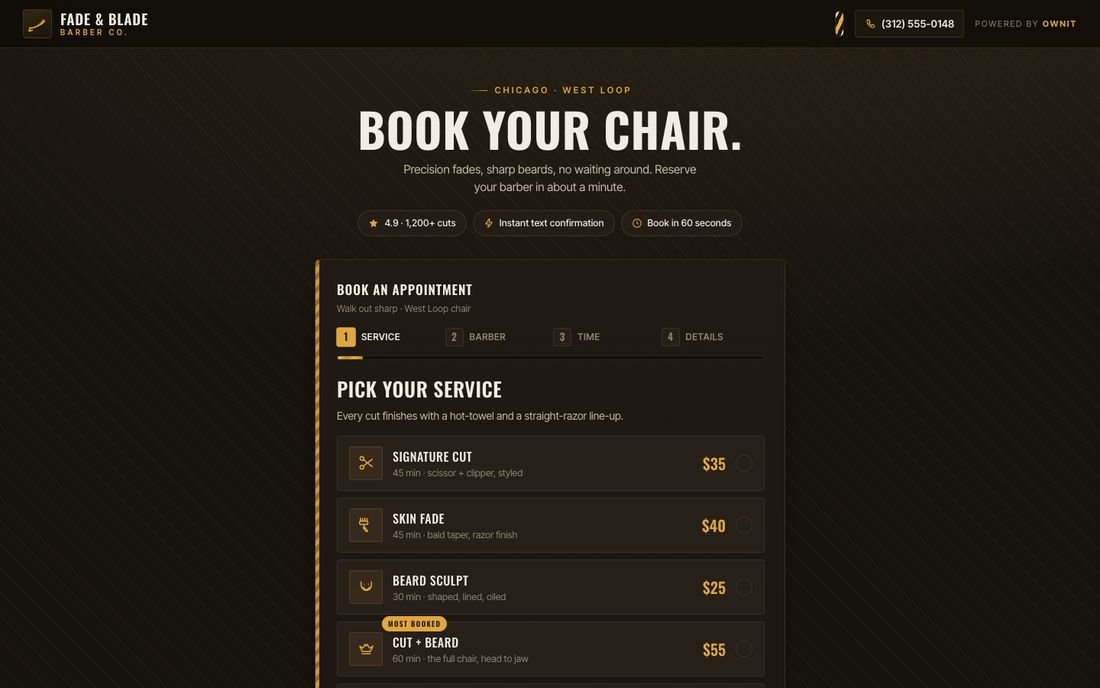
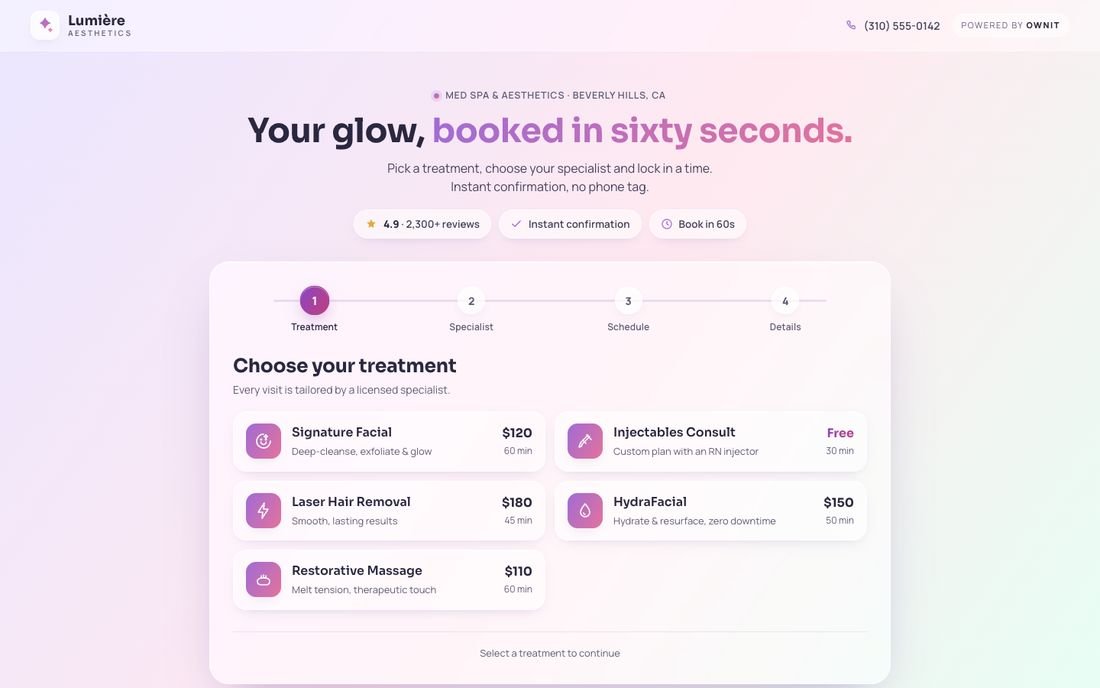
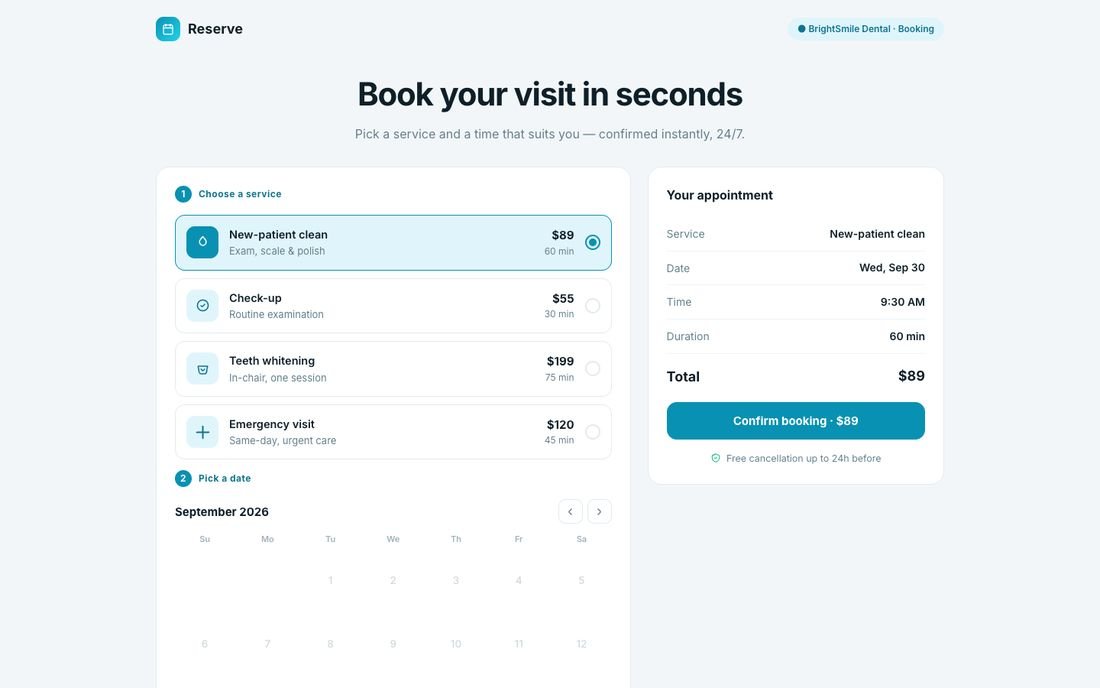
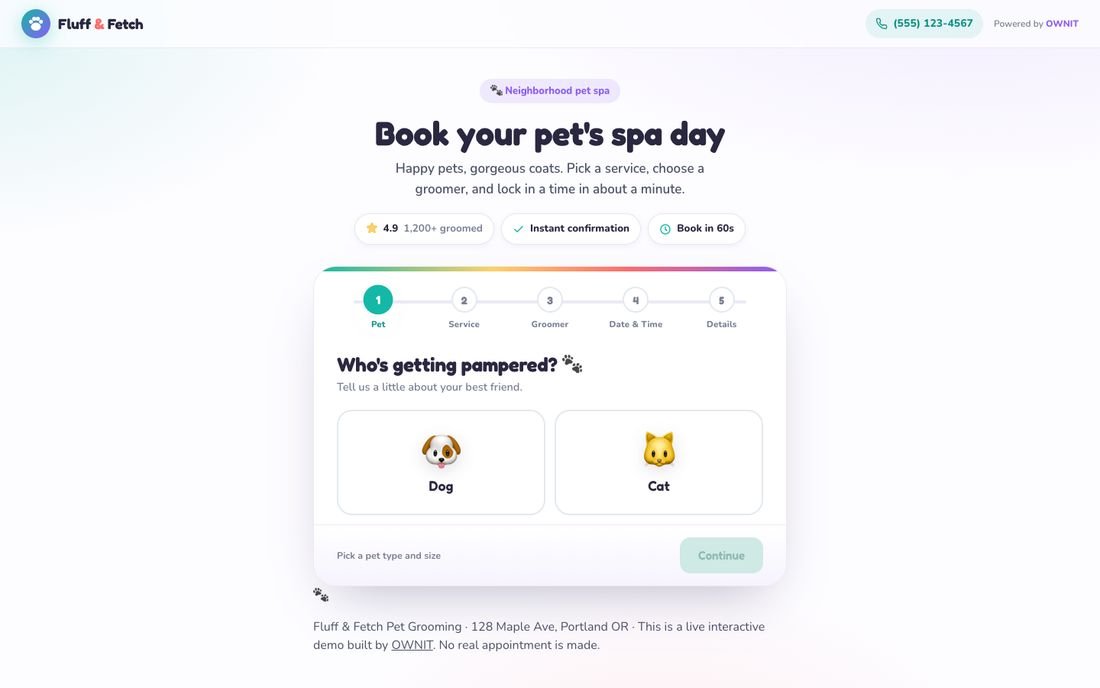
Real booking flows you can try today.
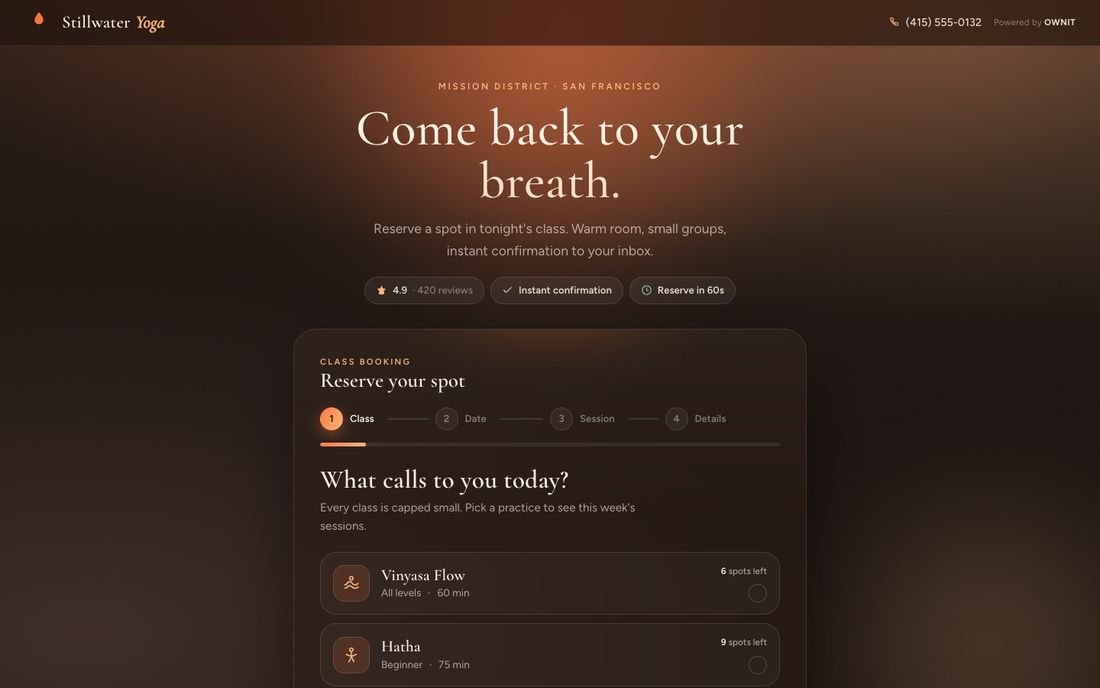
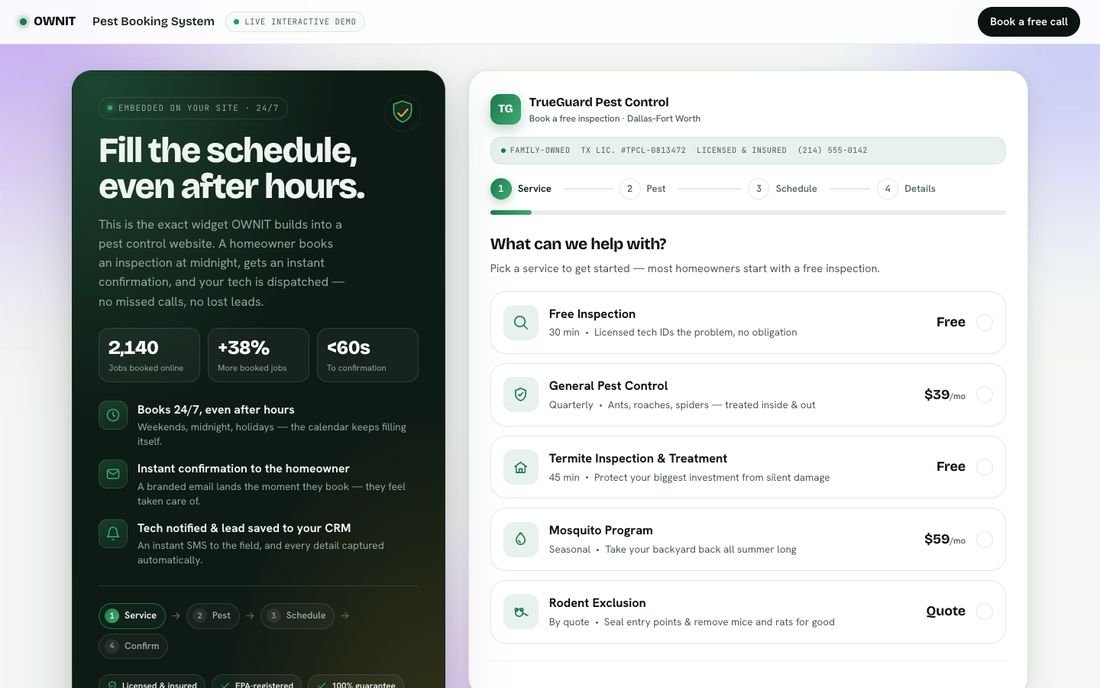
Working demos, not mockups. Open one, pick a service and book a time exactly as your clients would.
From first demo to fully booked.
A clear schedule, a fixed price and a booking flow you approve before we build.
- 30 minutesVideo call
Free demo and audit
We look at how clients book today, where they drop off and what no-shows cost you, and show you a system like yours working.
Book it now - Within daysWritten plan
Flow and fixed price
You get the booking flow mapped screen by screen, a timeline and a fixed price. No work starts until you are happy with it.
- Before we buildClickable preview
Click through it first
Try the real booking flow on your own phone, change what you like, and approve it.
- Weeks, not monthsGo live
Launch and switch over
We import your clients and upcoming appointments, connect payments and calendars, train your team and hand you the keys.
- The demo is free, with no obligation
- Fixed price agreed before we start
- No per-booking or per-seat fees
- You own the code, calendar and client data
Everything you would expect, built in.
No add-ons to buy later. If your business needs something that is not on this list, we build that too.
Plugs into the tools you already use
- Google Calendar
- Outlook
- Microsoft 365
- Zoom
- Google Meet
- Stripe
- Square
- PayPal
- SMS
- HubSpot
- Salesforce
- QuickBooks
- Xero
- Zapier
Booking
- Services, durations and buffers
- Staff, room and equipment calendars
- Recurring appointments
- Classes and group sessions
- Waitlists
- Video consultations
Payments
- Deposits and prepayment
- Card on file and no-show fees
- Packages and memberships
- Gift cards and coupons
- Invoices and receipts
- Stripe, Square or PayPal
Automation
- Instant confirmations
- SMS, WhatsApp and email reminders
- Two-way calendar sync
- Rebooking and review requests
- Intake forms and waivers
- AI chat and voice booking
Running it
- Client records and history
- Staff logins and permissions
- Multiple locations
- Revenue and capacity reports
- Availability rules and holidays
- Export anything, any time
Questions, answered.
Cost and timeline first, because that is what everyone asks. Anything else, ask us on the demo.
How much does a custom booking system cost?
It is a one-time build with no per-booking or per-seat fees afterwards. Online booking on your website is $2,500, deposits, staff calendars and SMS reminders $5,000, and a complete system for one location or several $9,500, about 73% under a typical mid-size agency. You get a fixed price in writing before we start.
How long does it take to launch?
Most booking systems go live in weeks, not months. You click through and approve the booking flow before we build, and you get a firm timeline up front.
Can you move us off our current booking app?
Yes. We import your clients, services and upcoming appointments and run the switch so nobody misses a booking. Your clients simply get a better way to book.
Can clients pay deposits or prepay online?
Yes. Deposits, full prepayment, card on file with no-show fees, packages, memberships and gift cards, all paid into your own Stripe, Square or PayPal account.
Do SMS and WhatsApp reminders cost extra?
Reminders are built in. Messages go through a messaging account in your name, so you pay the provider's standard rates directly, usually a few cents a message.
Will it work with our website and calendars?
Yes. It can live on your current website, on its own booking page, or both, and syncs two ways with Google Calendar and Outlook so nobody is double booked.
Can staff manage their own schedules?
Yes. Each team member gets their own login, hours, breaks and services, while you keep control of permissions, locations and reports.
See a booking system built for your business.
Pick a time for a free 30-minute demo. We will show you a flow like yours working and give you an honest ballpark, whether or not you work with us.
- A live walkthrough of a flow like yours
- An honest ballpark price, no pressure
- What you would save versus your current app
Rather talk now? Call +1 (812) 801-3148 or WhatsApp us
From the OWNIT Journal
Plain-English guides from the OWNIT team: what things cost, what to own and what to skip.
Read the Journal- Buying Guides
Online Booking for Service Businesses: Build, Buy or Bolt On?
Deposits, reminders and no-shows are where booking software earns or loses its fee. A decision framework for clinics, trades, salons and consultants.
- Buying Guides
AI Receptionist vs Answering Service: Which One Books More Jobs?
Voicemail, a human answering service and an AI receptionist compared on the measure that pays the bills: whether the caller hangs up with an appointment.
- Buying Guides
Custom Website Cost in 2026: What Each Line of a Quote Pays For
A line-by-line reading of a small-business website quote: the one-time work, the running costs most proposals leave out, and the questions that show whether a price is fair.
Booking systems
Ready to automate your booking process?
Solo professional, growing business or multi-location company, we build the booking system tailored to your workflow, and you own it.
No spam · No obligation · Reply within 24 hours